What it does. Connects the system to SAP Business One. From then on, the chart of accounts, cost centers and journal entries are pulled in automatically every night.
Benefit. No more copy-pasting from SAP. Actuals are always up to date through the previous night and, if the sync fails, the administrator is notified.
What it does. Shows the cost center dimensions that come from SAP and lets you activate the ones to be used for budgeting.
Benefit. You work with the same structure as accounting, without creating parallel catalogs.
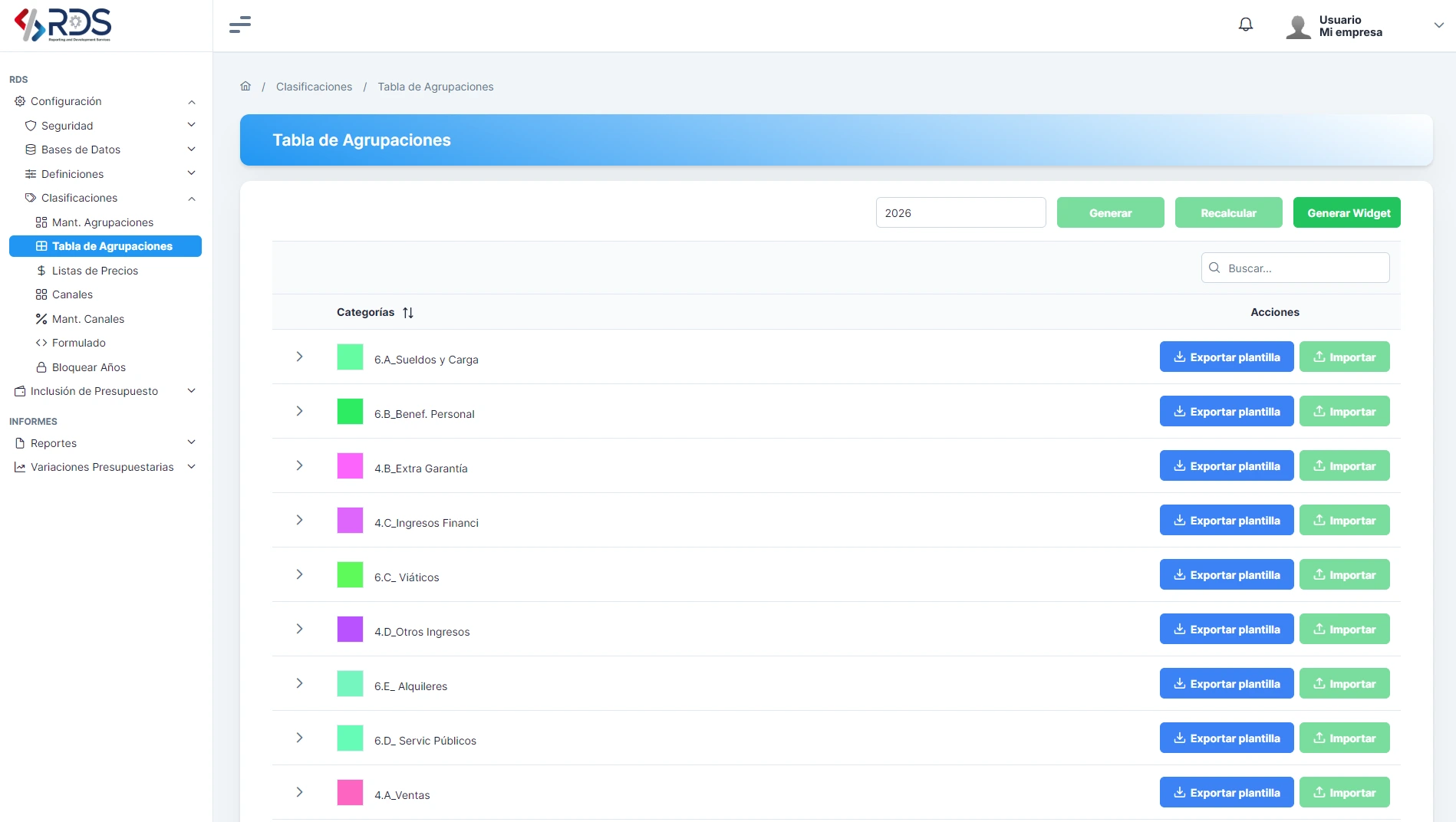
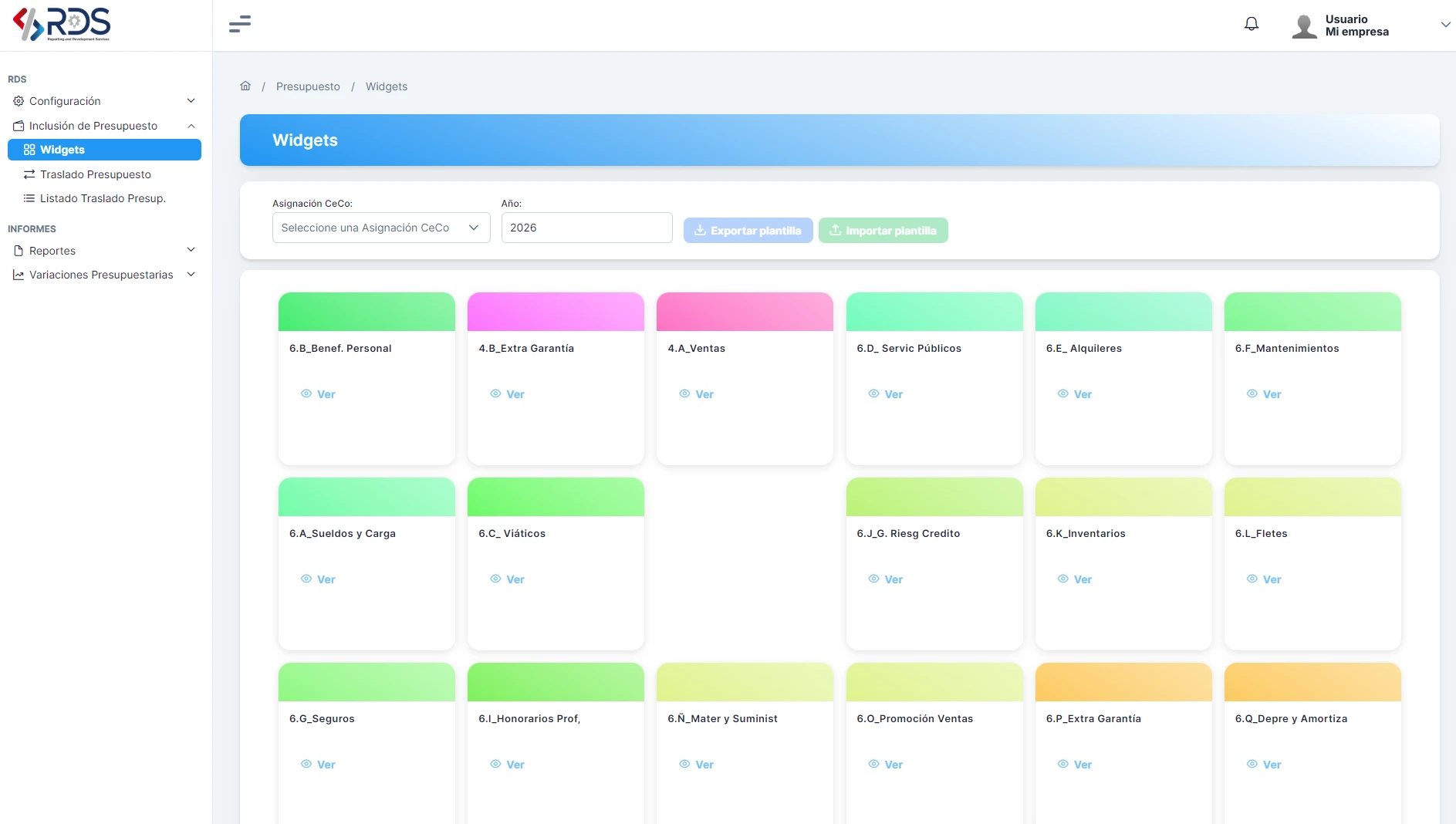
What it does. Defines how each account is budgeted: manually, from history with a growth percentage, from a price list, by formula, or from sales and commission parameters. Accounts can also be marked as confidential.
Benefit. Each account is budgeted with the method that makes sense. Repetitive work is calculated automatically and people focus on what needs judgment. Sensitive information, such as salaries, stays protected.
What it does. Defines each unit that budgets (for example, a branch), with its owners (Operator, Supervisor and Manager), an authorized amount and, optionally, the accounts it can use.
Benefit. It is clear who is accountable for each budget. The authorized amount gives supervisors autonomy for small moves without slowing operations, and limiting accounts prevents entry errors.
What it does. Groups cost centers by region or another criterion.
Benefit. Management sees results consolidated by zone without building reports by hand.